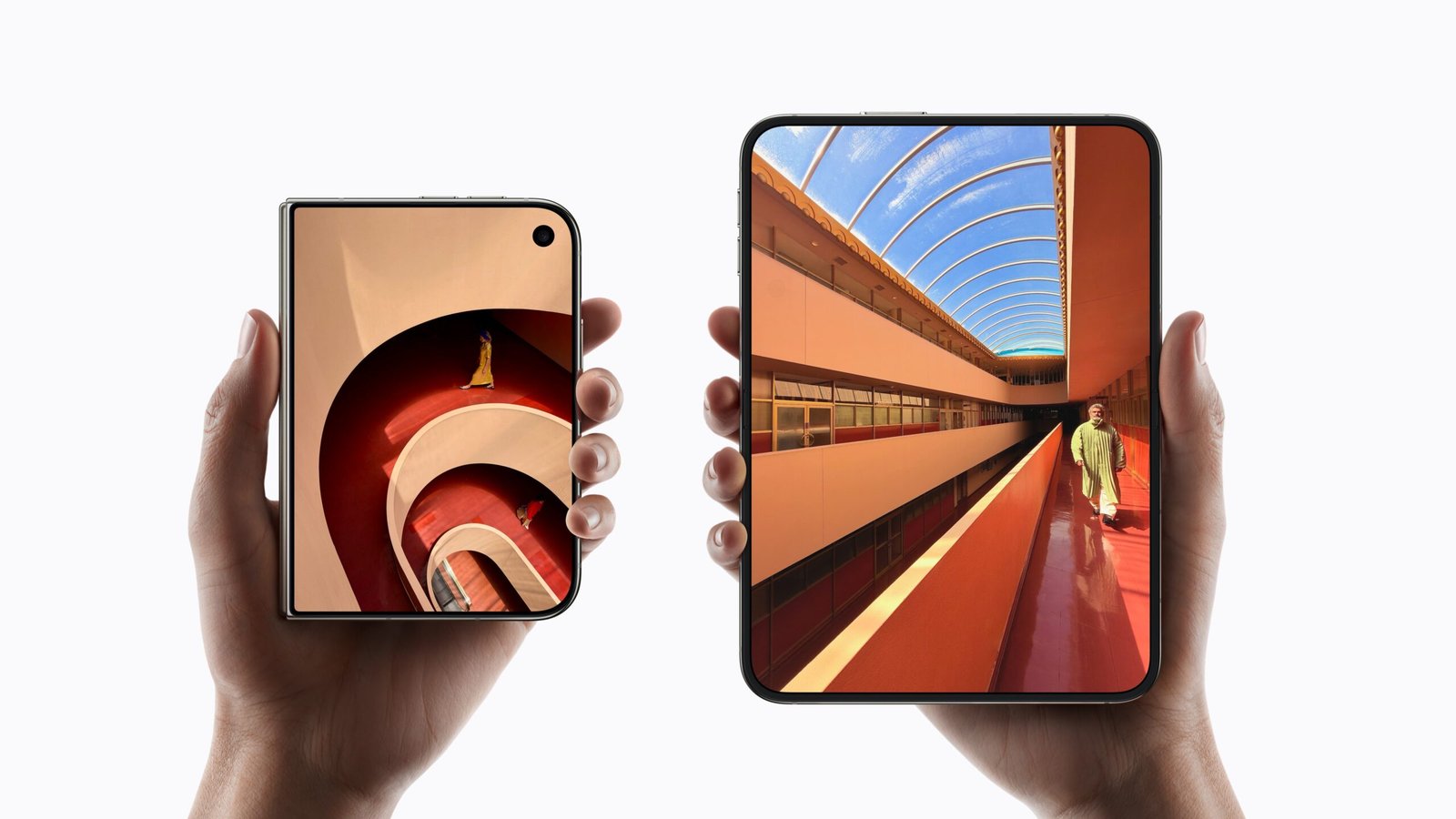
Apple’s announcement of the iPhone Duo has officially brought the foldable experience to the iOS ecosystem. For web developers, this isn’t just a new device; it’s a fundamental shift in how we handle viewports, layouts, and performance. With a compact 5.4-inch outer cover screen and a massive 7.6-inch inner tablet-like display, the days of targeting a single, predictable iPhone width are over.
Here is how you can ensure your web applications and sites are ready for the dual-screen era.
1. Rethink Your Breakpoints
The iPhone Duo allows users to seamlessly open the device and transition from a 5.4-inch screen to a 7.6-inch expansive canvas. This means your CSS breakpoints need to be perfectly fluid. Hardcoding static pixel widths will result in broken layouts when users unfold their devices mid-session.
- Focus on fluid layouts: Use
clamp(),vw/vh, and CSS Grid to ensure containers expand naturally as the screen real estate increases. - Account for multitasking: On iOS 27, users can run apps side-by-side on the inner display. A user viewing your site might only give Safari half the screen, meaning the active viewport on the 7.6-inch display could actually be narrower than the outer cover screen.
2. Embrace the Foldable CSS API
When a user has the browser expanded across the entire open display, the physical center fold can impact readability. While Apple’s nano-texture finish minimizes the crease visually, you still don’t want critical UI elements sitting dead center.
Utilize CSS environment variables to respect the fold:
CSS
@media (horizontal-viewport-segments: 2) {
  .hero-content {
    padding-right: calc(env(viewport-segment-right 0 0) + 1rem);
  }
}
Note: As Safari in iOS 27 rolls out, preparing your DOM for segment-aware media queries will be crucial for a native-feeling web experience.
3. Core Web Vitals and Image Scaling
A larger display demands higher-resolution assets, which can quickly inflate your payload and tank your Largest Contentful Paint (LCP) scores.
- Leverage
<picture>andsrcset: Ensure you are serving appropriately sized WebP or AVIF images based on the active viewport. Don’t force the outer 5.4-inch screen to download the massive hero image meant for the unfolded 7.6-inch view. - Strict Lazy Loading: With taller aspect ratios when partially folded, elements below the fold will shift dynamically. Implementing strict lazy loading keeps the initial render lightning fast across all configurations.
4. Touch Targets and Ergonomics
The ergonomics of a book-style foldable are completely different. Users will likely hold the open Duo with two hands, relying heavily on their thumbs. Keep primary navigation, critical buttons, and interactive elements easily reachable along the left and right edges, rather than burying them in the top-center of the expanded screen.

Leave a Reply